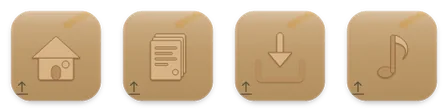
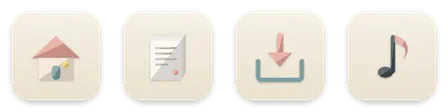
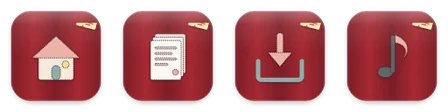
Choose a look.
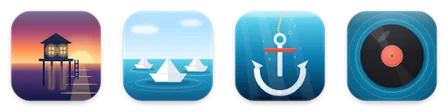
Browse 100 packs in six families, from a shoreline at every hour to neon tubes, die-cut stickers and sixteen-pixel art.
 TIDEWATER FOR MAC · BY GOMAIN
100 hand-made icon packs, fourteen matching icons each, for Desktop, Documents, Downloads and every folder you choose. One click puts a whole pack on. Four packs are free.
 Free · Plus from $2.99 a month
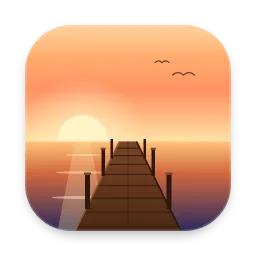
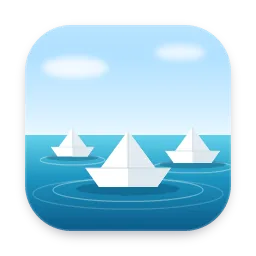

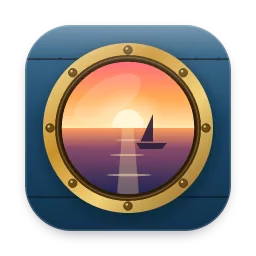


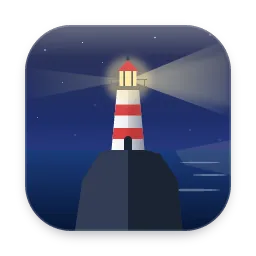
100 packs. 1,400 icons.
One click.
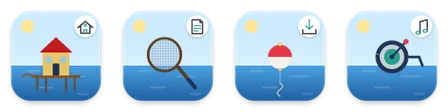
Each pack covers Home, Desktop, Documents, Downloads, Pictures, Screenshots, Music, Movies, Applications, Code, Projects and Public, plus a Folder and File icon for everything else you made yourself.
01 / HOW IT WORKS
No pasting icons one folder at a time in Get Info. Tidewater does the whole set, and remembers the folders you allowed.
Browse 100 packs in six families, from a shoreline at every hour to neon tubes, die-cut stickers and sixteen-pixel art.
Press Apply and allow your home folder. Tidewater finds Desktop, Documents, Downloads, Pictures, Music and Movies and lists them; skip any you like.
Click an icon to put it on any folder, drag icons onto folders in the Finder, or right-click in the Finder and choose Tidewater.
02 / SPOOKY SEASON
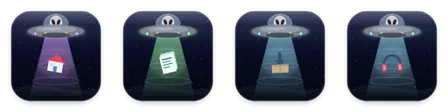
Carved pumpkins, dripping slime, grey aliens beaming up your Downloads. More Halloween packs are on the way in the next update, and Tidewater Plus includes every new pack as it arrives.
03 / THE PACKS
Every pack is drawn for the Finder and checked at 32 and 16 pixels, where an icon is a different picture, not a smaller one.
A small picture in every icon.
5 packsOne character, fourteen things to hold.
3 packsDrawn with a single kind of line.
27 packs
Drafting lines on blue

Peppermint stripes on pine
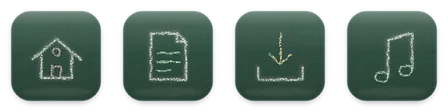
Chalk on a green board

Copper traces on a green board

Stars joined on a night sky
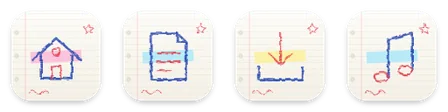
Marker on a notebook page
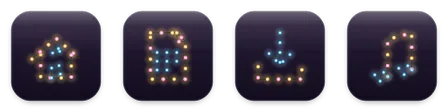
Warm bulbs on a dark wall
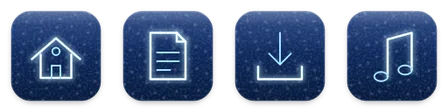
Tube lines under ice
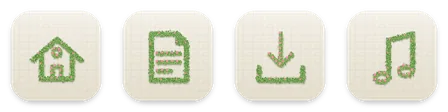
Trimmed foliage in bloom
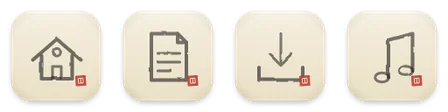
A brush and a red seal

Engraved in birch plywood

Poured in foam

Gold on white stone

A transit map with stations

One white line, one colour

Tube light on charcoal

Thin lines on warm white

Copper plumbing on concrete
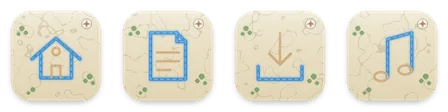
A river on a parchment map

Asphalt, a centre line and a red car

Twisted hemp on a deck

Three passes of pencil

Smoke letters over a blue sky

Written in light

A glyph on flecked tile

Bent from one length of wire

A metal zip in canvas
Bold shapes, one material.
42 packs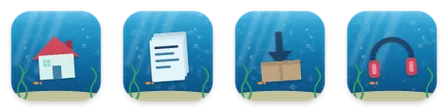
Sunk in a sunlit tank

Inflated, tied and floating
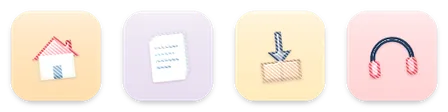
Striped and sugar-glossy
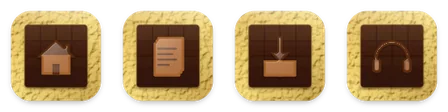
Moulded on a bar, wrapped in gold
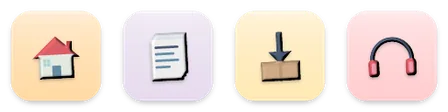
Matte and hand-shaped

Thick outlines and halftone

Wax on construction paper
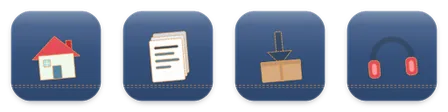
Stitched patches on jeans

Frosted, with sprinkles

Blind-embossed paper

Hard enamel in a gold line
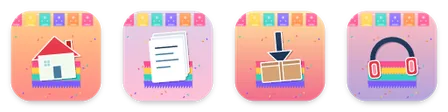
Papel picado and confetti

Tattoo flash on old paper

Baked and iced on gingham

Frosted over a backlight

Relief on dark leather

Spray paint on brick

An engraving
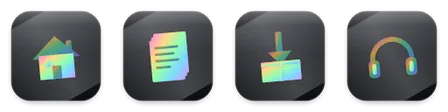
Iridescent foil

Frozen in a block of ice

Glossy and soft

Toasted, floating on cocoa

Eighties squiggles and confetti
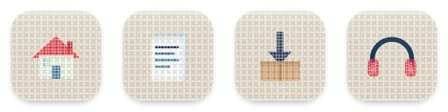
Small tiles and grout

Four panels, one silhouette

Sherbet on a stick
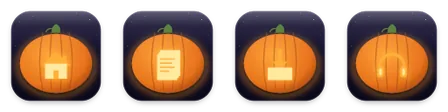
Carved and lit from inside
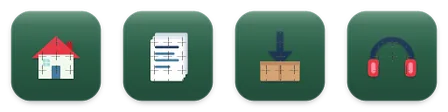
Cut into jigsaw pieces

Seven stripes over the clouds

Two inks, out of register

Packed from wet sand at the tideline
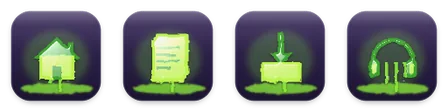
Green goo, dripping

Shake it and watch it settle
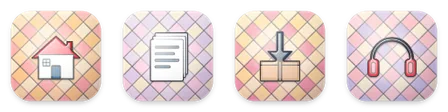
Leaded panes, lit from behind

One ink on kraft

Die-cut and bright

Silhouettes at dusk
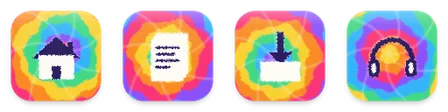
Rainbow rings on cotton

Monstera leaves and sun
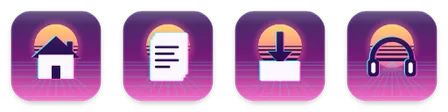
Grid, sun and glitch

Pressed into red wax

Paint on a plank
Printed, cut, folded and stitched.
9 packsSixteen by sixteen, and proud of it.
14 packs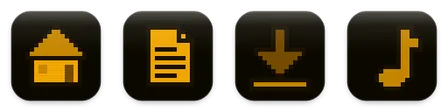
A phosphor terminal
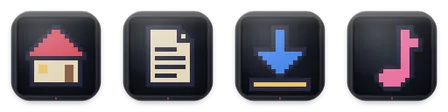
A sprite on curved black glass

Fuse beads on a pegboard

Stud bricks on a baseplate
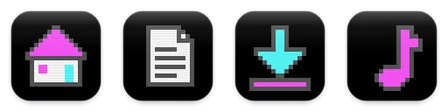
Cyan, magenta, white

Four shades of green
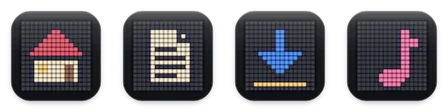
Typed in mechanical keycaps
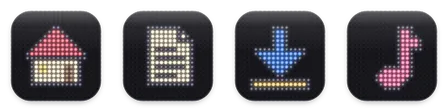
Glowing pegs in a black board

Sixteen by sixteen

Patches of printed cotton

One-bit black and white
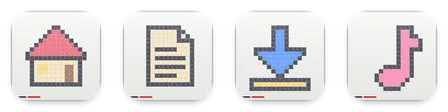
Sticky notes on a whiteboard
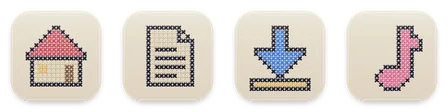
Cross-stitch on linen

Little cubes, standing up
04 / BEYOND A TINT
macOS can tint a folder and stamp a symbol on it. Tidewater replaces the whole icon with a drawn picture, matched across your folders.
05 / PRICING
Icons already on your folders always stay, whatever you choose.
$0
$2.99 / month or $14.99 / year
US prices. The App Store shows the price in your country. Billed by Apple; cancel any time in your Apple Account settings.
Yes. Tidewater, Neon, Sticker and Pixel are free to use on any folder, with no account. Tidewater Plus opens the other 96 packs and every new pack as it arrives.
In the United States, $2.99 a month or $14.99 a year, and the yearly plan starts with a one-week free trial. Prices vary by country; the App Store shows yours. Plus is billed by Apple and you can cancel in your Apple Account settings.
They stay. Icons already on your folders are never removed, whatever you choose.
Press Apply and allow your home folder once: Tidewater finds Desktop, Documents, Downloads, Pictures, Music and Movies inside it and lists them, and you can skip any. Click any icon to put it on a folder you choose, drag an icon onto a folder in the Finder, or drop a folder onto an icon in the app. Every pack also has a plain Folder and File icon for everything else.
Yes. Turn on the Tidewater Finder extension (the app opens the right System Settings page), then right-click any folder or file, choose Tidewater and pick an icon.
Choose Use Default Icons in the app or the Finder menu. It removes custom icons from the listed items. Tidewater does not keep a copy of a custom icon you had before, so save any you want to keep first.
Option-drag any icon out of the app to the Desktop to save it as an .icns file.
No. There is no account, no analytics and no network requests of its own; the App Store handles Plus. The details are in the Tidewater section of our privacy notice.
Any Mac with macOS 13 Ventura or later, Apple silicon or Intel.
TIDEWATER ICONS: FOLDER THEMES
Free on the Mac App Store for macOS 13 or later.
Four packs free; 96 more with Tidewater Plus.