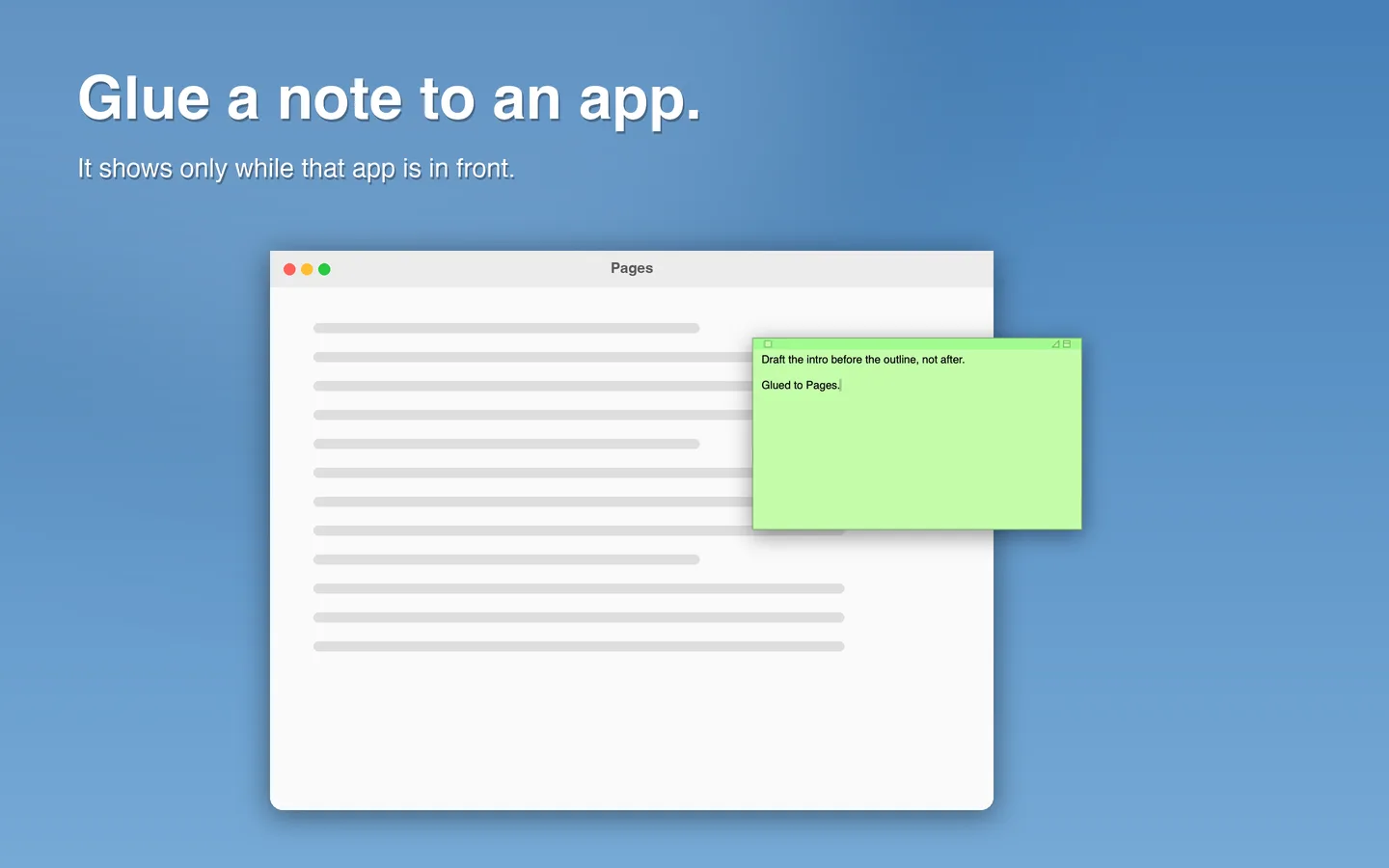
Glue a note to an app PRO
Attach a note to an app, a Space, a folder or a document. It shows only while that is in front, and hides the rest of the time.
 STICKIES PLUS FOR MAC · BY GOMAIN
The plain pastel note the Mac has always had: six colors, collapse to a strip, float on top, the same shortcuts. Writing is free forever. Pro adds sync between your Macs, notes glued to apps and websites, reminders, version history and search.
 Free to write · Pro from $0.99 a month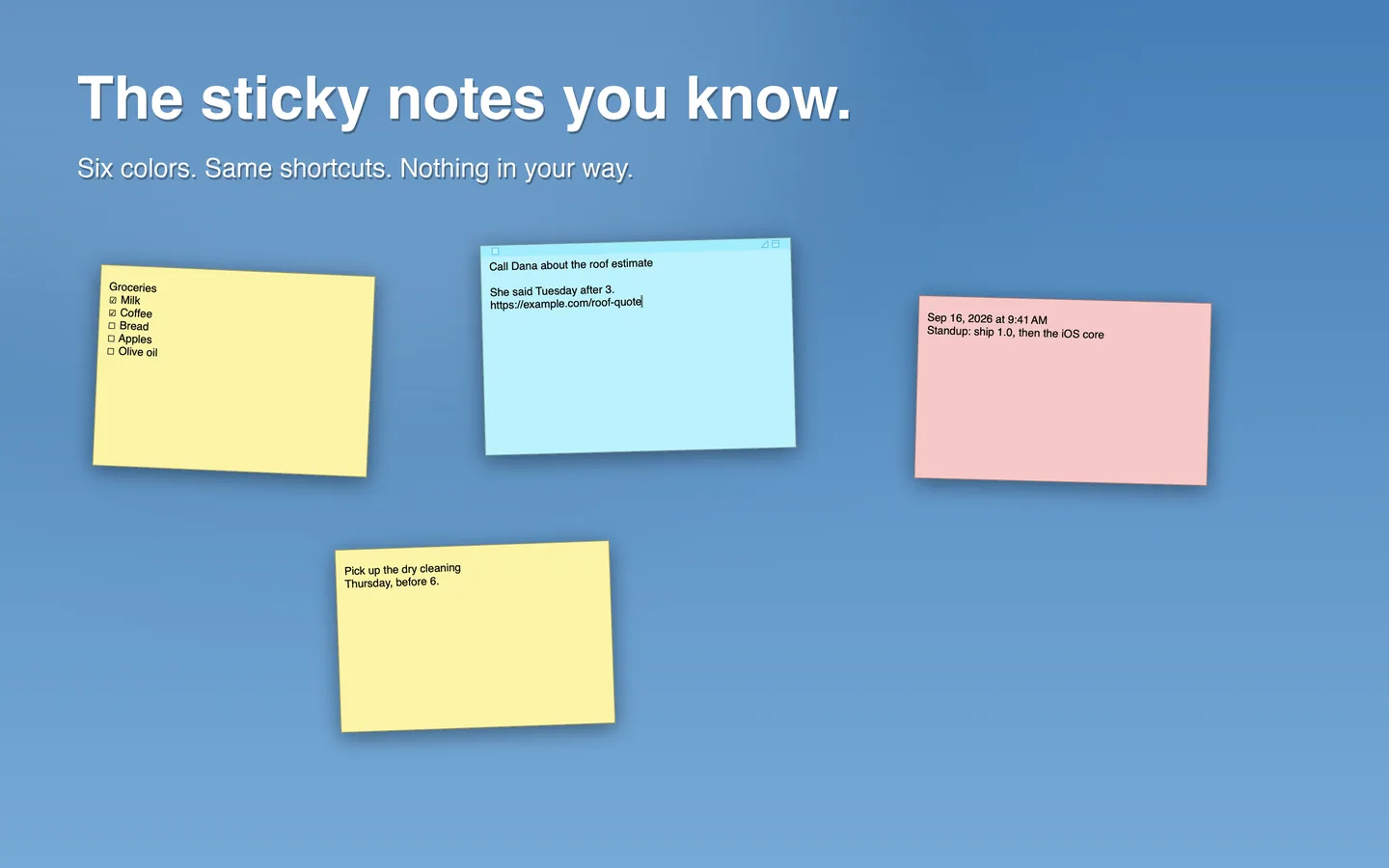
Free to write.
No trial needed.
Unlimited notes, editing, all six colors, float on top, translucent, collapse, rich text, checklists, import, Recently Deleted and export are free forever.
01 / WHAT'S NEW
Stickies Plus looks and behaves like the notes you already use, until you reach for something more.
Attach a note to an app, a Space, a folder or a document. It shows only while that is in front, and hides the rest of the time.
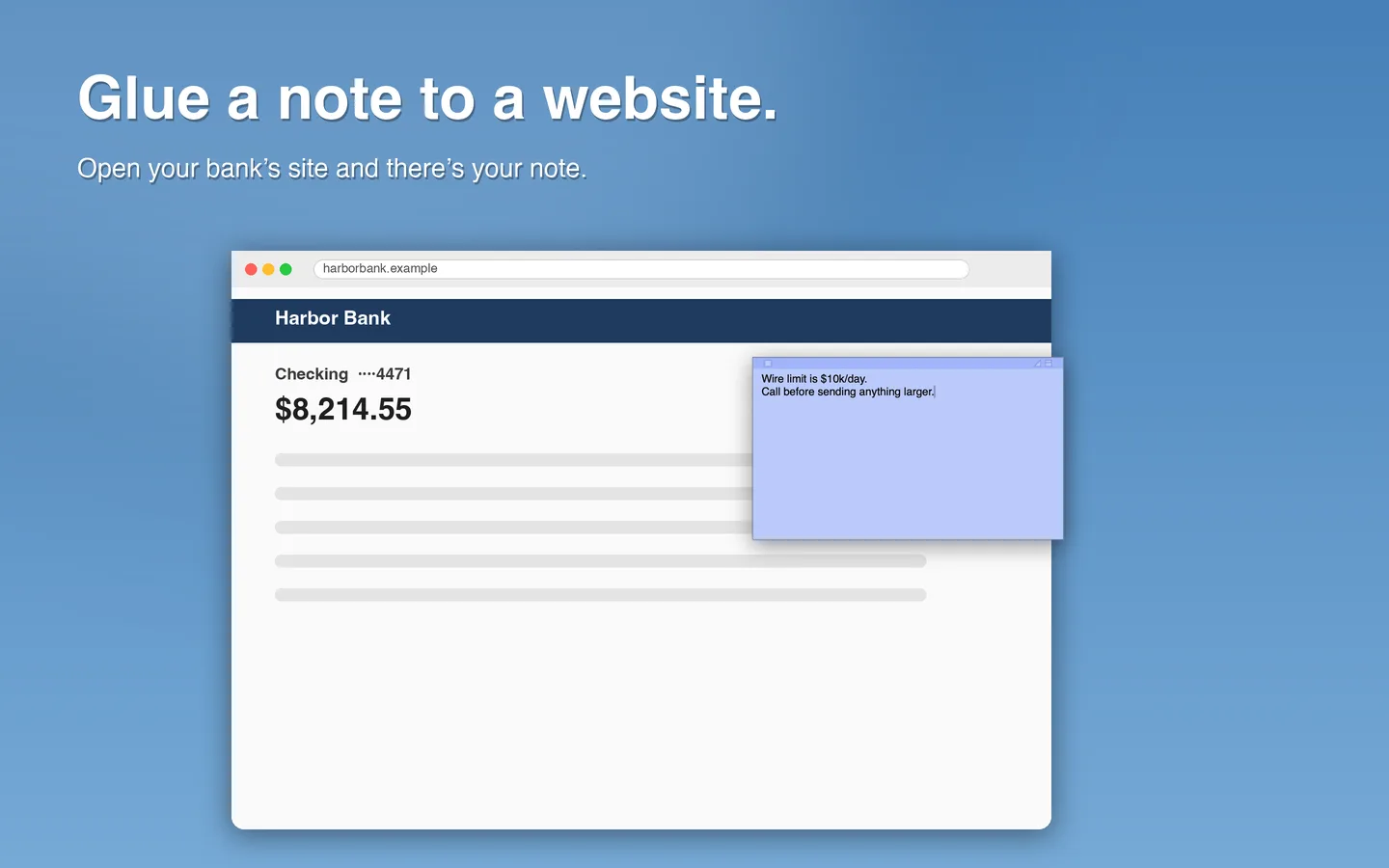
Write yourself a note that appears whenever you visit your bank's site, and nowhere else.
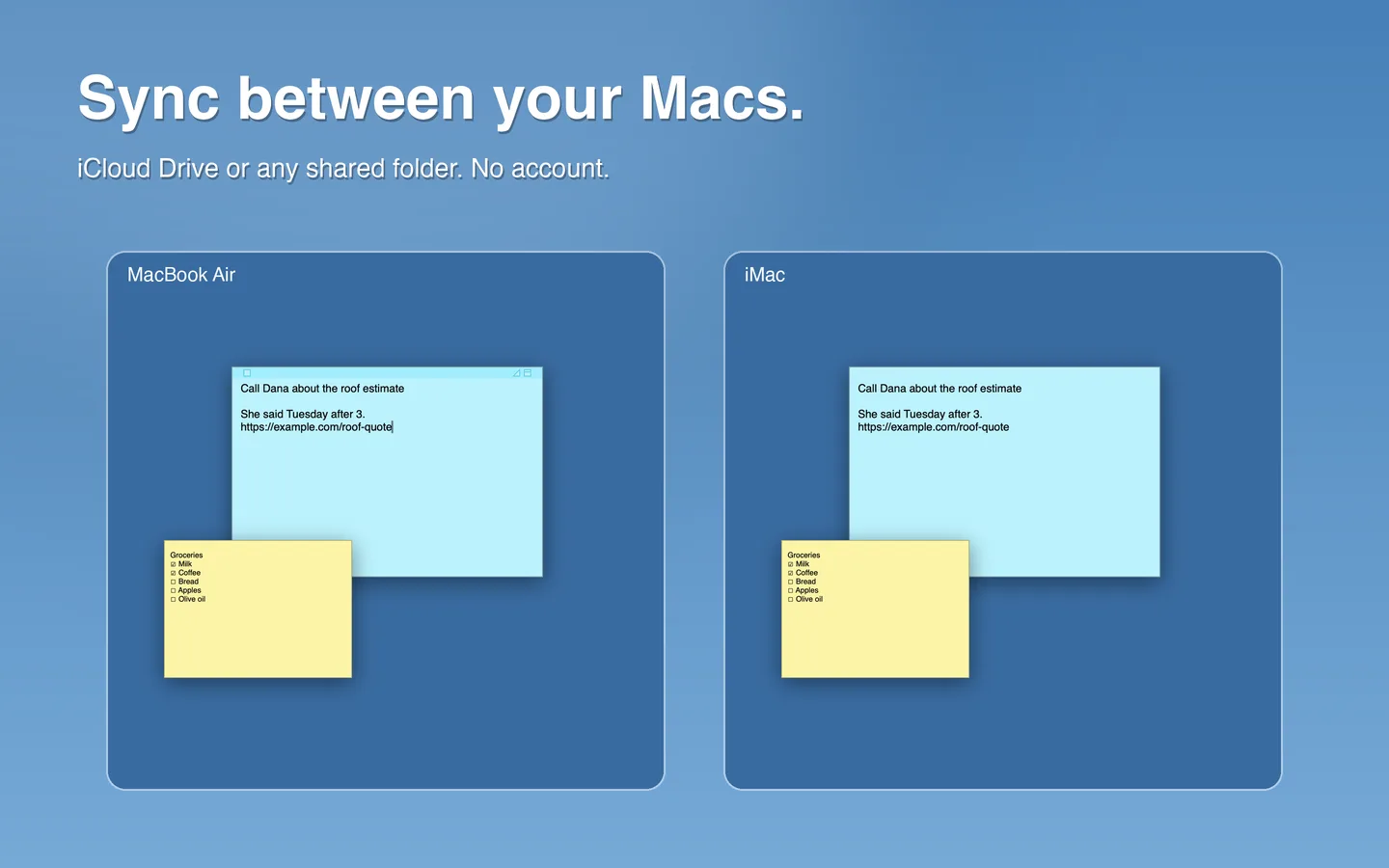
Keep notes in step through iCloud Drive or any shared folder. Changes merge field by field, so moving a note on one Mac and recoloring it on another keeps both.
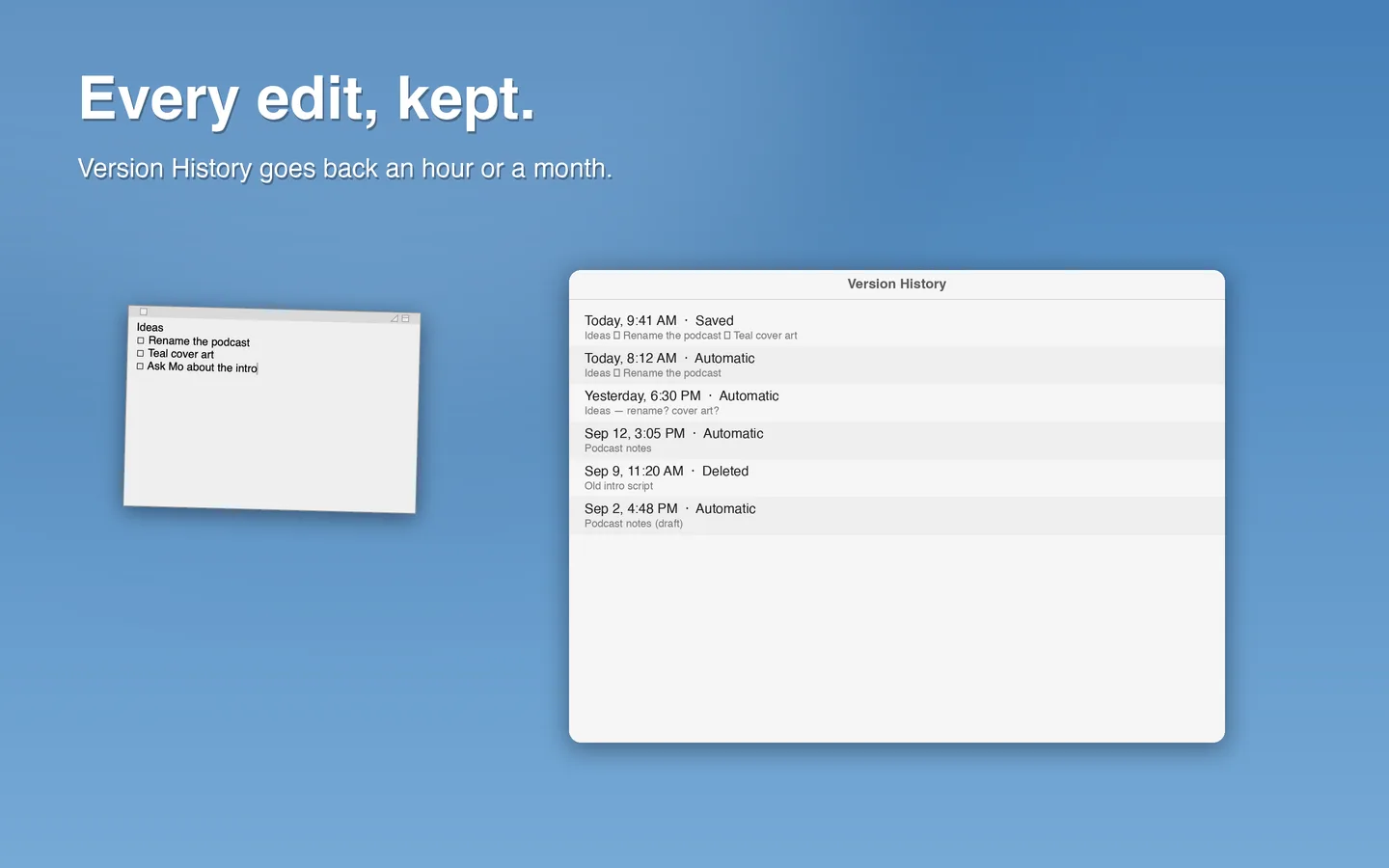
Every edit is versioned automatically, so you can go back to what a note said an hour or a month ago. Closed notes wait in Recently Deleted for 30 days, free for everyone.
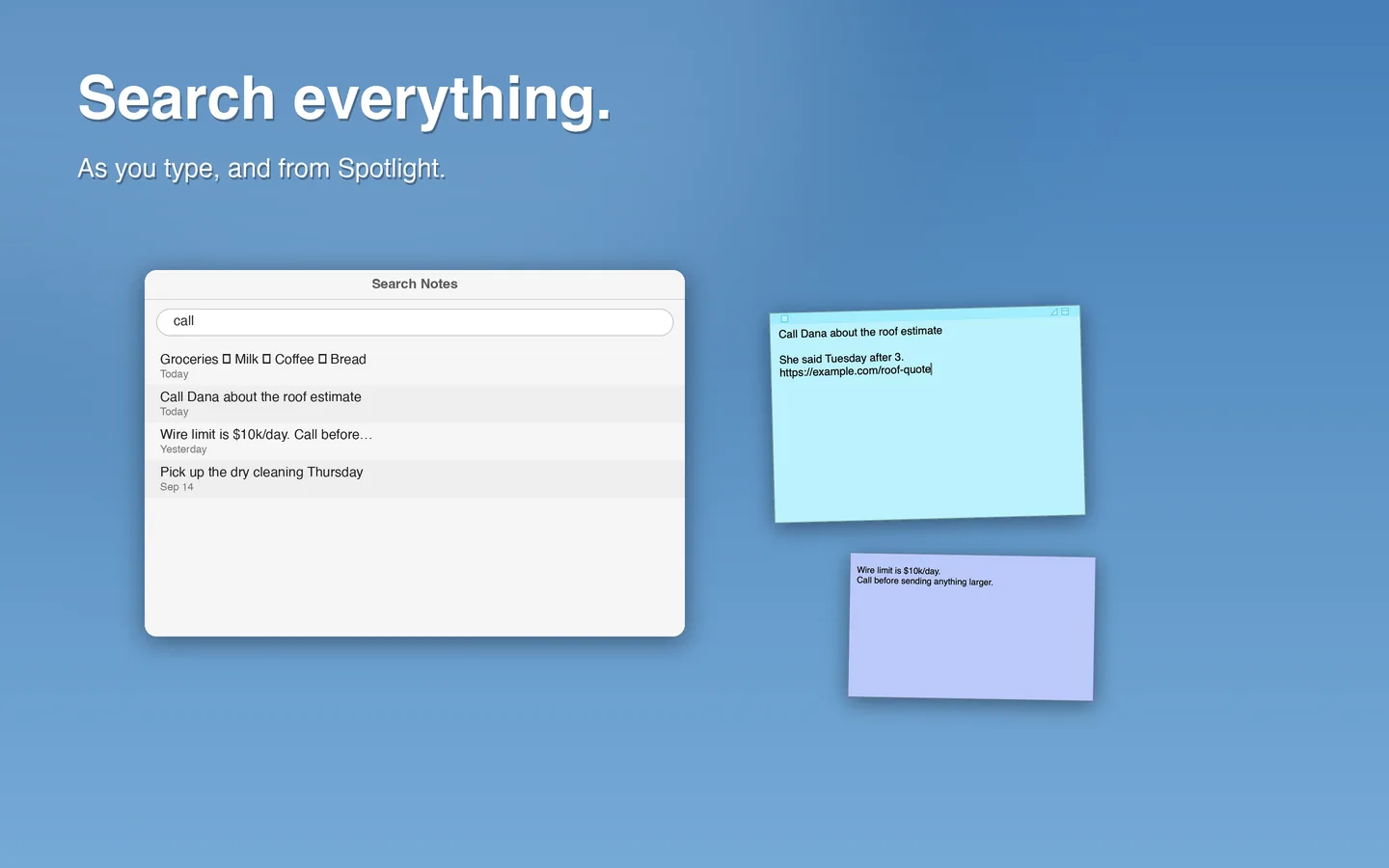
Search every note as you type, and find notes from Spotlight.
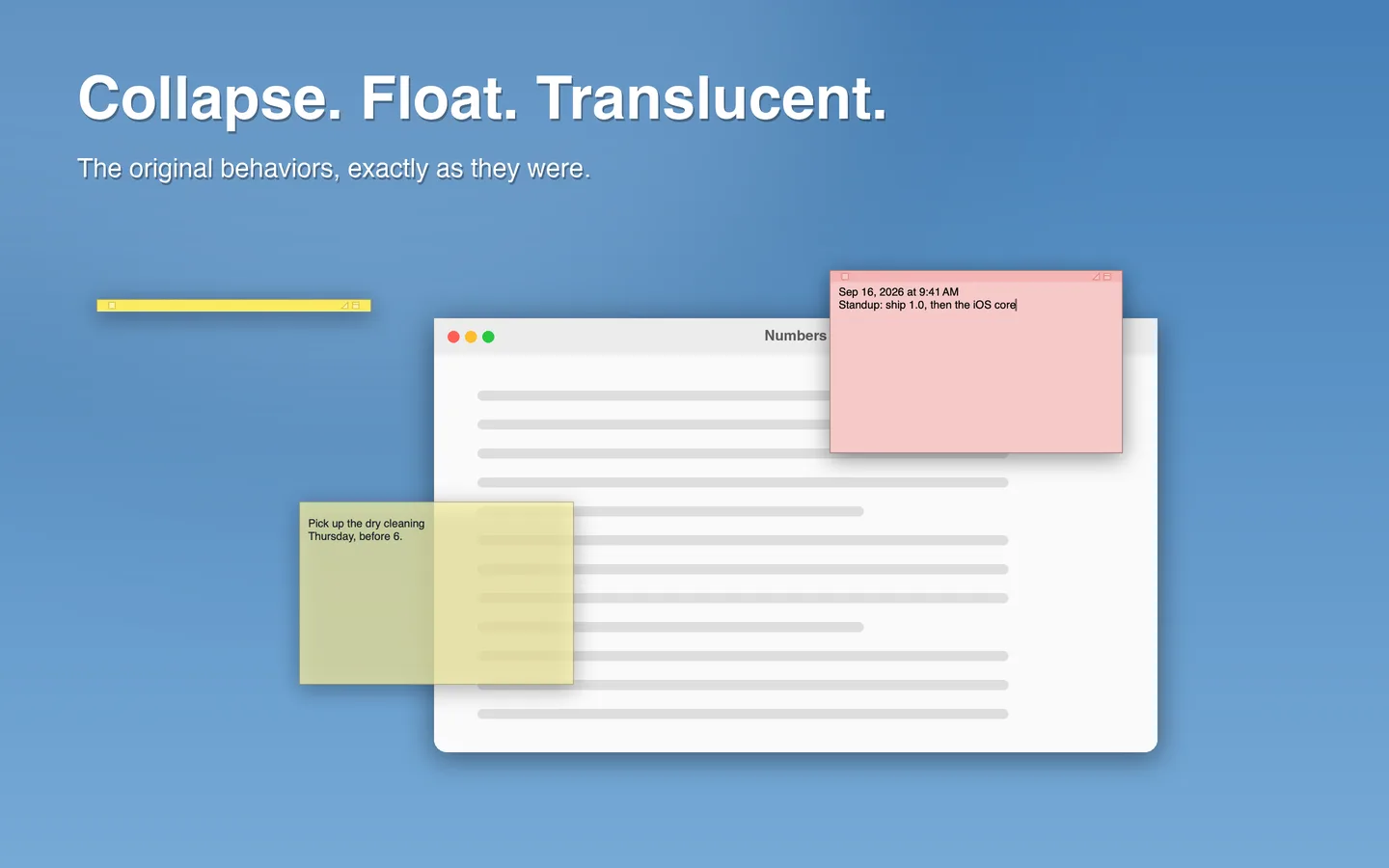
The original behaviors, exactly as they were, with the same keyboard shortcuts.
Hide a note until In 1 Hour, This Evening, Tomorrow Morning, Next Week or a date you choose. Then it comes back, floating on top.
Select text in any app and choose Services › Make Sticky Note. The shortcut ⌃⌥⌘N makes a new note from any app (Pro). Shortcuts actions and a URL scheme automate the rest.
Bring your Apple Stickies notes over with their colors and positions. Apple's notes are never modified.
02 / PRICING
Pro unlocks sync, glue, Remind Me, version history, search and the global shortcut.
$0
$0.99 / month
$7.99 / year
$14.99 once
US prices; the App Store shows the price in your country. One free trial per Apple Account across Monthly and Yearly. Subscriptions renew automatically unless cancelled at least 24 hours before the end of the period; manage them in System Settings › Apple Account › Subscriptions. Terms of Use · Privacy Policy
Apple's Stickies keeps notes on one Mac only. Import them into Stickies Plus (File › Import from Apple Stickies), then choose File › Sync › iCloud Drive… on each Mac and pick the same folder. Every Mac pointed at that folder stays in step. Sync is part of Pro.
Yes. Writing, editing, every color, float on top, translucent, collapse, rich text, checklists, import, export and Recently Deleted are free forever, with no trial. Pro is only for sync, glue, Remind Me, version history, search and the global shortcut.
No. Stickies Plus copies them, with their colors and positions, and leaves Apple's notes untouched.
Yes: ⌘N new note, ⌘M collapse, ⇧⌘F float on top, ⌥⌘T translucent, ⌘1–⌘6 colors, plus ⌥⌘F to search all notes and ⇧⌘L for a checklist.
On your Mac, in the app's own database. With sync on, note files also go to the folder you chose. There is no account, and nothing leaves your Mac except the files you choose to sync. Read the privacy policy.
Any Mac with macOS 14 Sonoma or later.
STICKIES PLUS: STICKY NOTES
Free on the Mac App Store for macOS 14 or later.
Pro from $0.99 a month, or $14.99 once.